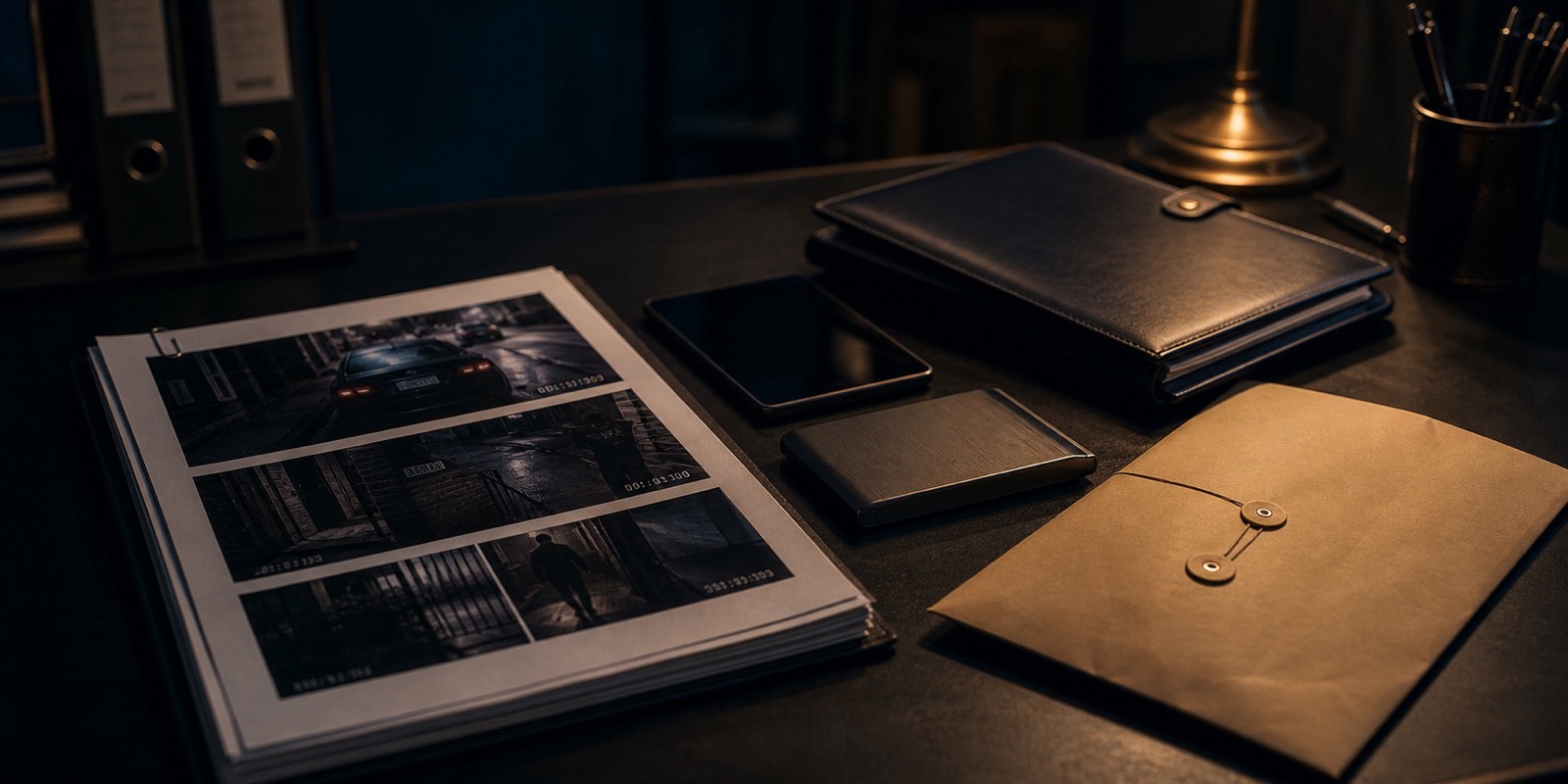
Short version: Good organization protects the original files and makes the story easier to review.
Why This Matters
Digital evidence piles up fast. A phone fills with screenshots, videos download with random names, emails sit in multiple inboxes, and nobody knows which file is the original.
A simple structure prevents chaos. You do not need forensic software to be more organized than most people. You need consistent folders, names, notes, and backups.
Step By Step
- Create one master folder for the situation.
- Inside it, create folders for originals, working copies, reports, timeline, witness info, and exports.
- Save originals first and do not edit them.
- Use file names that start with date and time when possible.
- Keep a spreadsheet or document evidence index.
- Back up the master folder to a second location.
- Update the index every time you add evidence.
Checklist
- 00_summary
- 01_timeline
- 02_originals
- 03_working-copies
- 04_exports
- 05_witnesses
- 06_reports
- 07_attorney-or-police-packet
Common Mistakes
- Do not edit originals.
- Do not scatter files across texts, email, downloads, and desktop without a master folder.
- Do not use names like IMG_1234 if you can rename a copy with context.
- Do not rely on one device as your only storage.
When To Stop DIY
- If the evidence includes illegal material, child sexual exploitation material, or hacked data, do not organize it yourself. Contact law enforcement or an attorney.
- If the evidence is tied to litigation, ask your attorney before changing file names or metadata-sensitive material.
Simple Template
- Evidence index columns: ID, date, time, source, file name, original location, what it shows, related incident, witness, notes.
- File name example: 2026-06-30_2314_front-door_unknown-person_original.mp4.
- Working copy example: 2026-06-30_2314_front-door_unknown-person_clip-for-review.mp4.